Clear your notifications.
Keep them anyway.

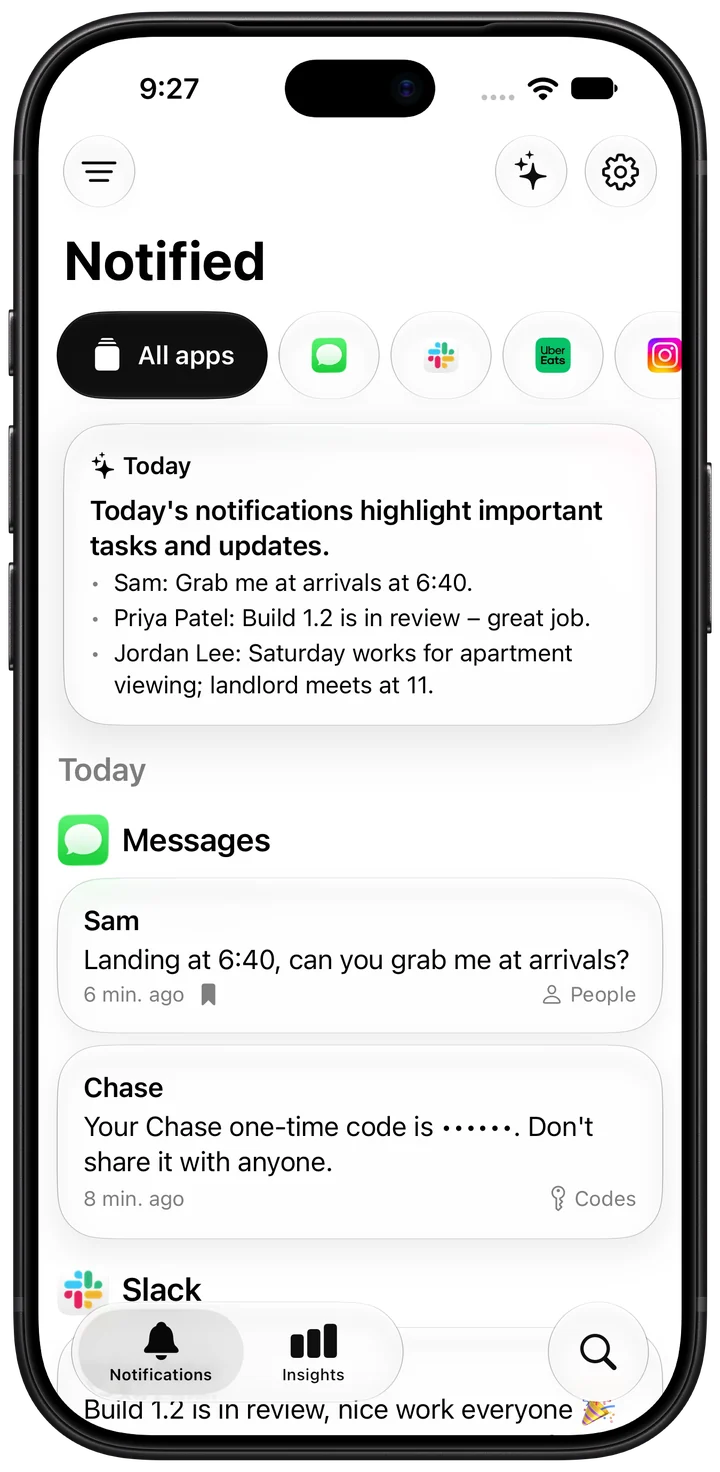
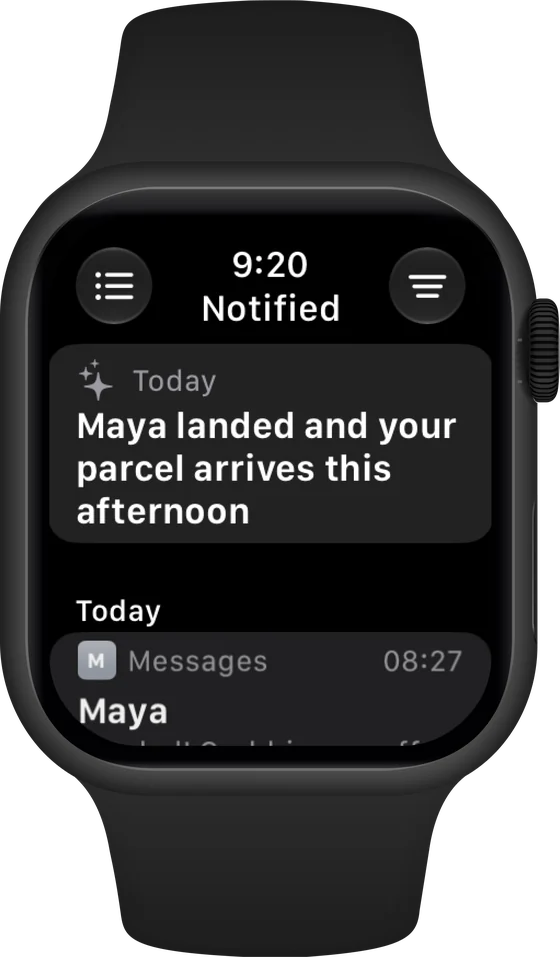
Cleared doesn't mean gone.
Swiped away or gone on unlock? Still here.
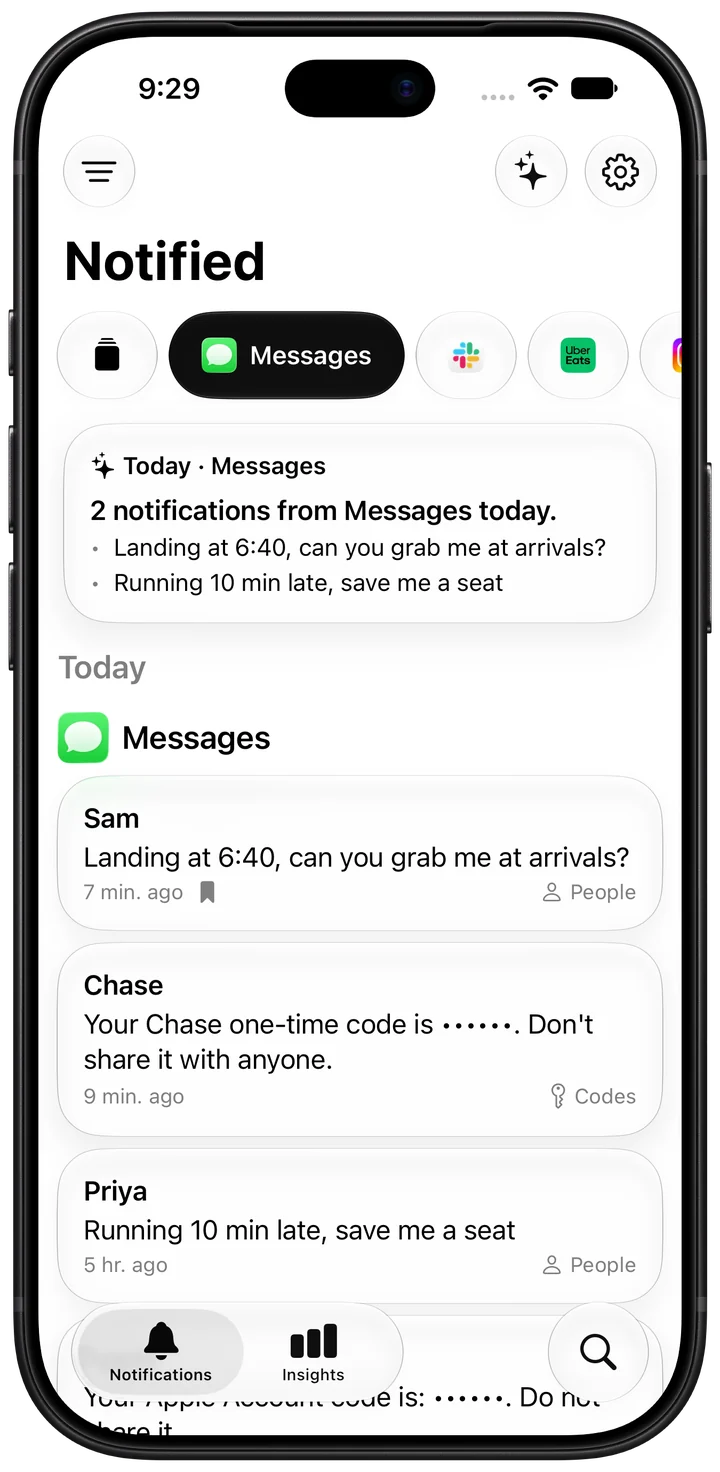
See what matters first.
Codes, people and updates, apart from promotions.
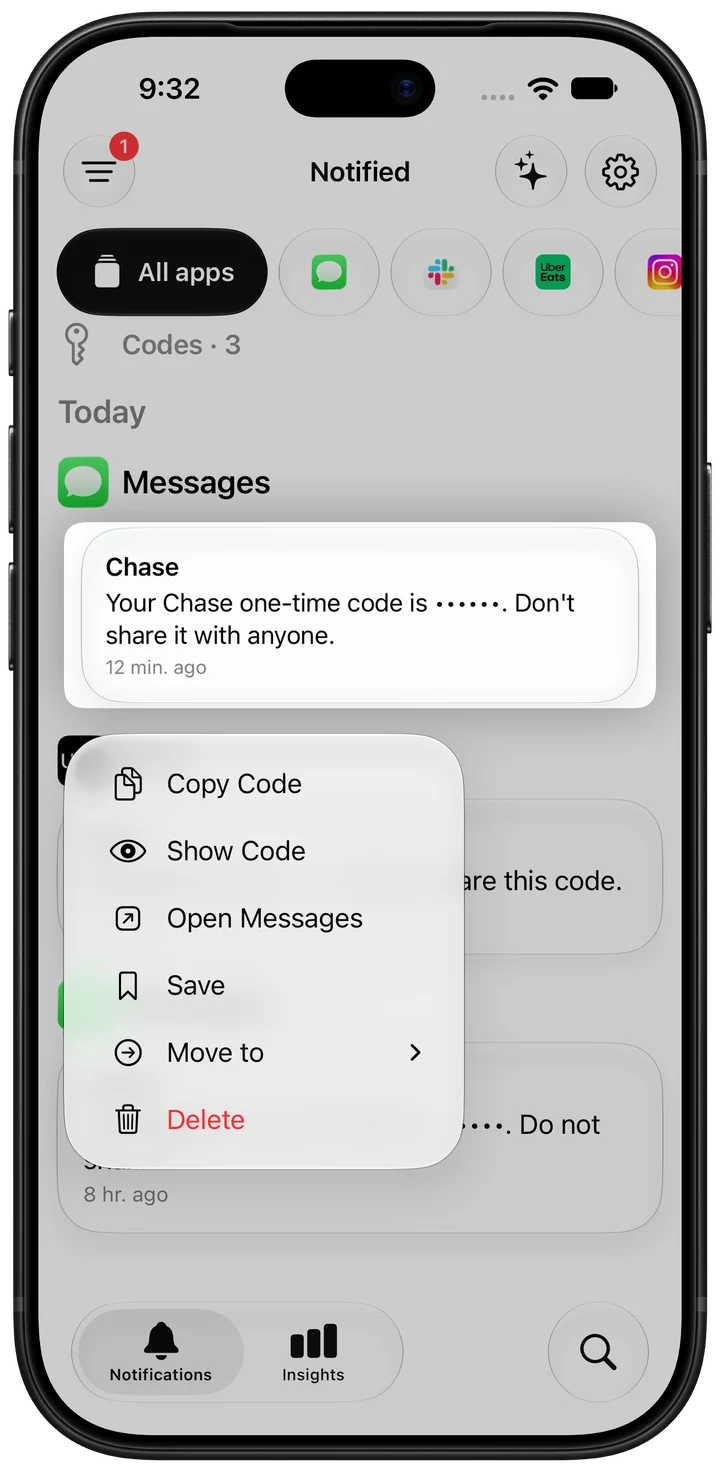
Never lose the one that matters.
Saved and sorted on your iPhone. Nothing leaves it.
- On your iPhonenothing leaves it
- Apple Intelligenceon‑device summaries
- Face IDoptional lock
Built to find it again.
The layout you already know.
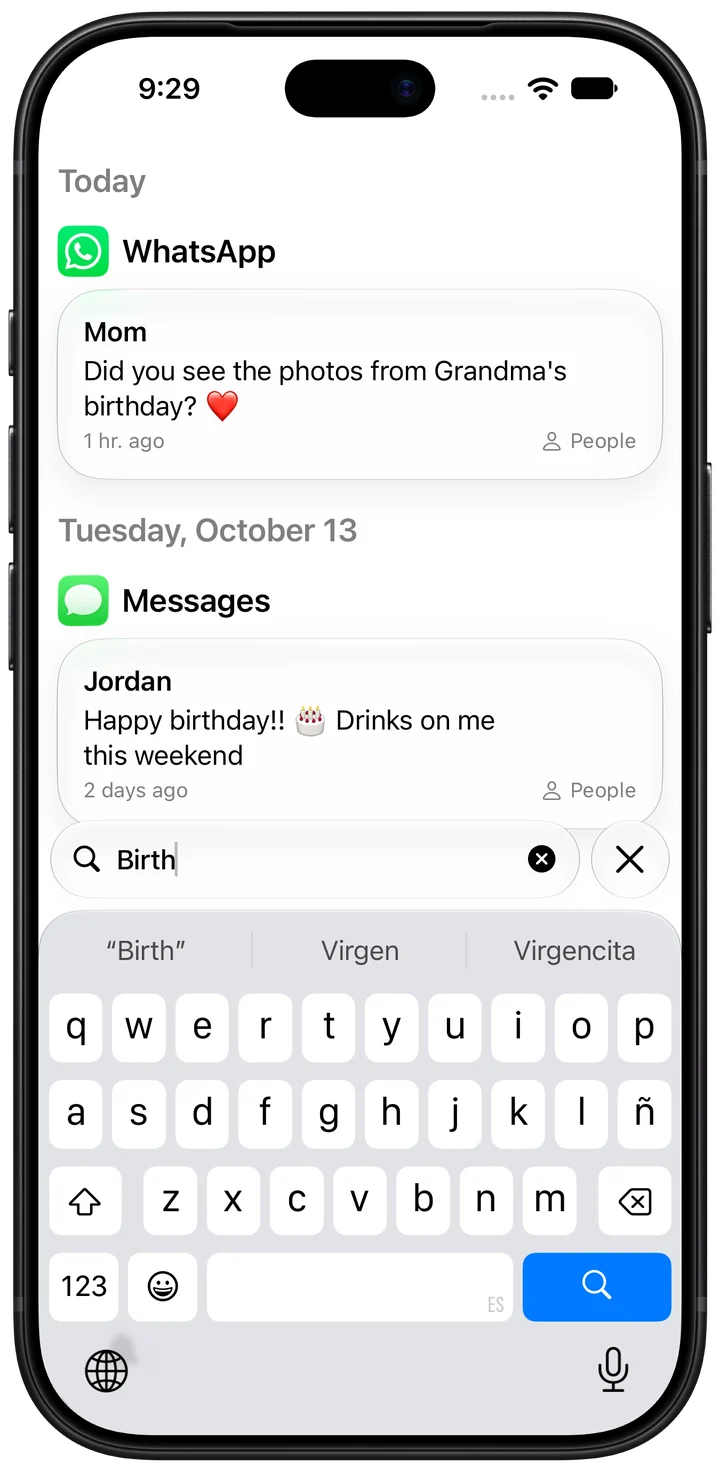
Any notification, in seconds.
Codes, People, Updates, Promotions.
Swipe, copy, done.
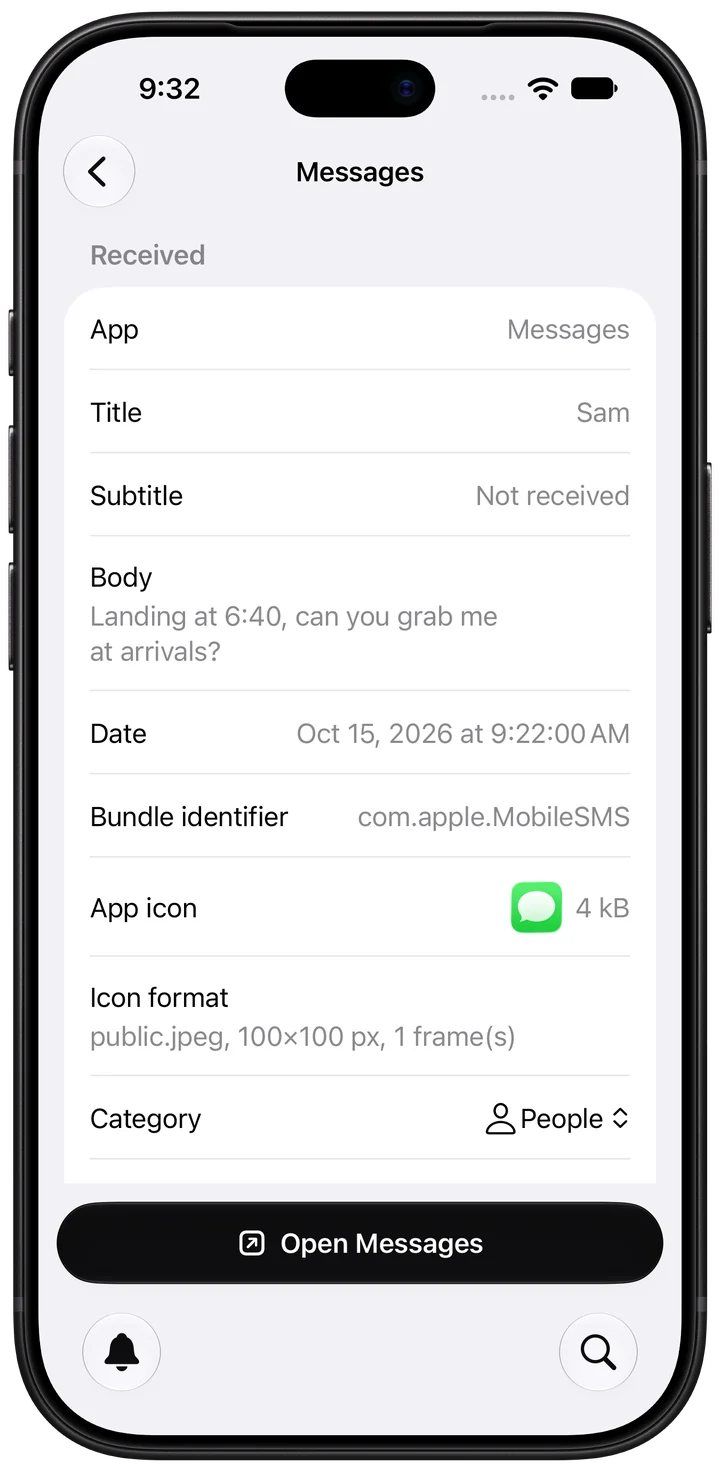
Edited or unsent? Still here.
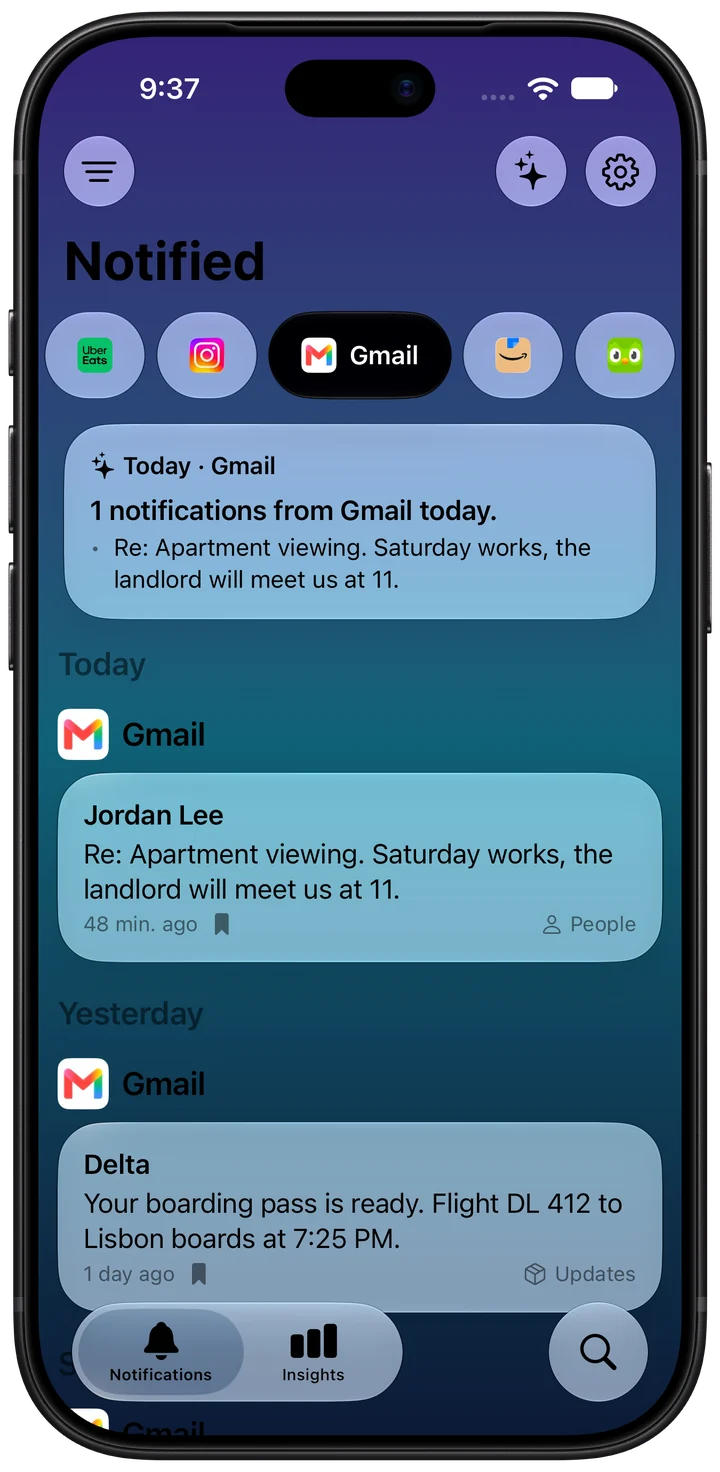
Catch up in one look.
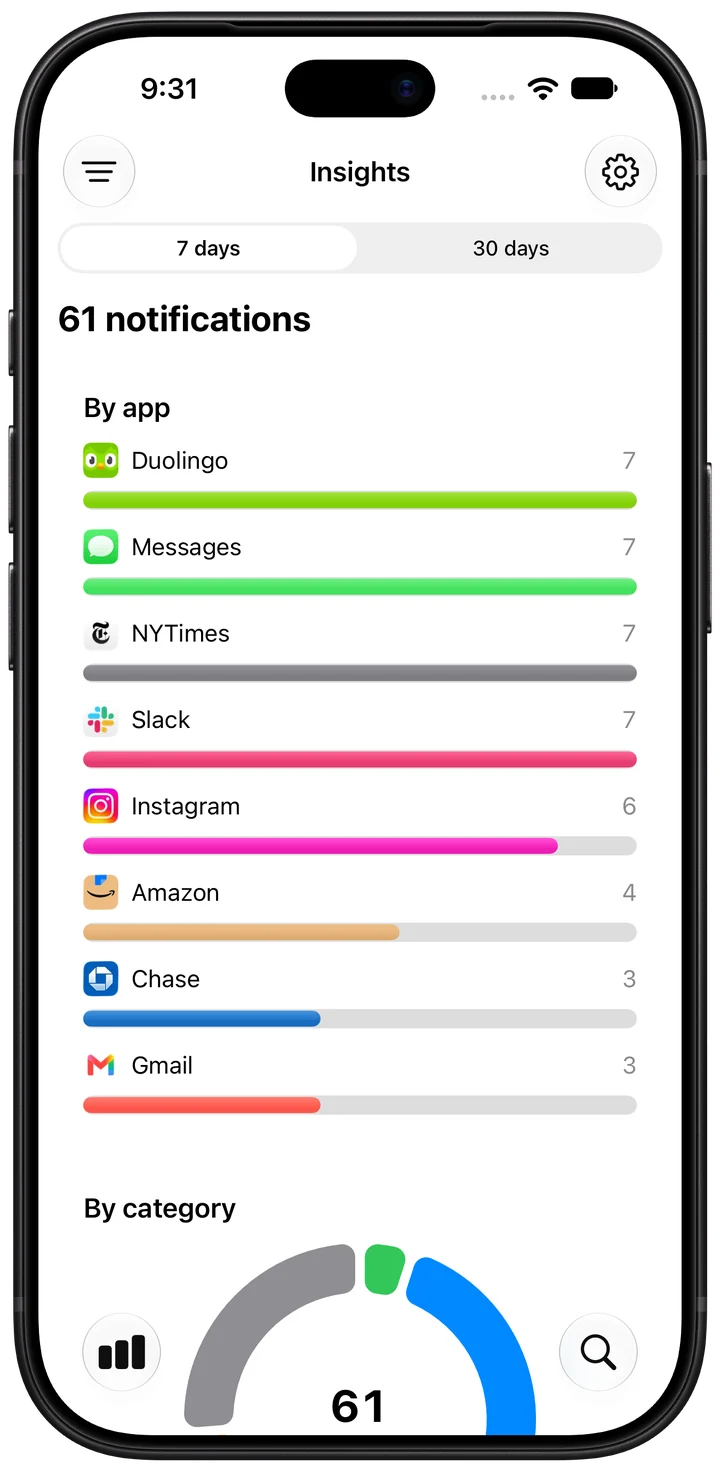
See which apps send the most.
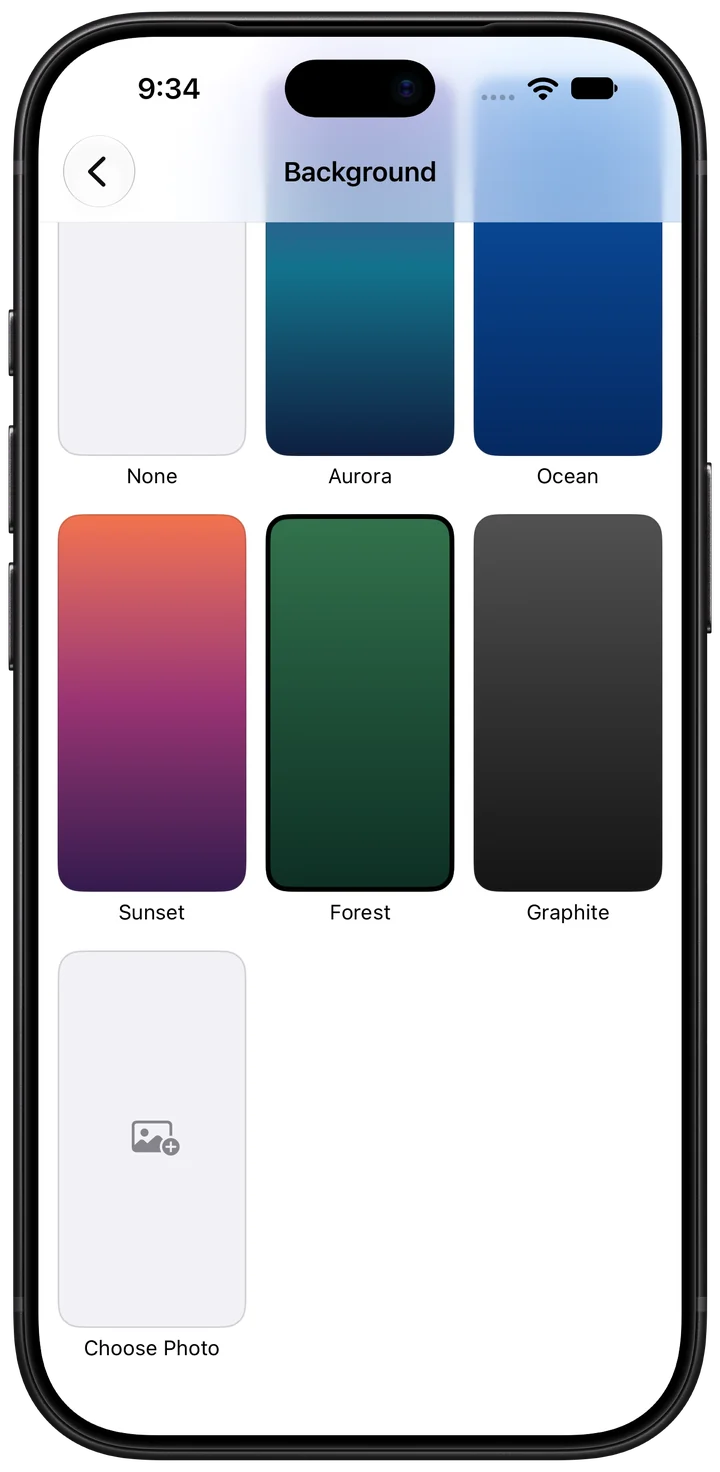
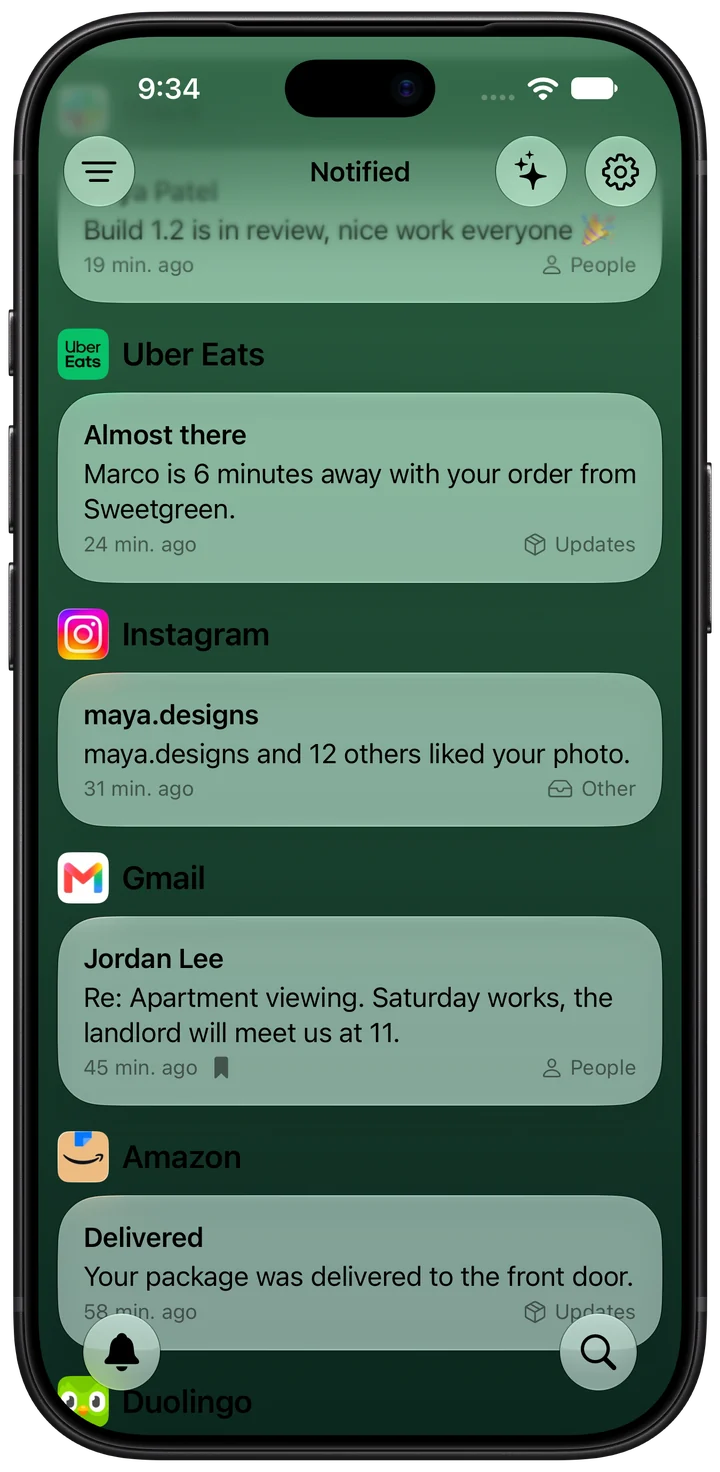
Pick a background. Or your own photo.
Clear with confidence.
Free to download · Made by one person
Still wondering?
How does Notified save notifications?
Through a shortcut you set up once in the Shortcuts app. Every notification from your chosen apps is copied to Notified and kept on your iPhone.
Does it save notifications from before I set it up?
No. iPhone keeps no history, so Notified saves from the moment the shortcut is on.
Which apps are saved?
Only the apps you add to the automation. Add more anytime.
Does Notified send my notifications anywhere?
No. Everything is saved and sorted on your iPhone, and summaries run on‑device with Apple Intelligence. See the privacy policy.
What's free and what's Pro?
Free keeps your last 24 hours with the list, search and filters. Pro adds your full history, summaries, Insights, colors and backgrounds, codes protection, Face ID lock and no ad.
Which iPhones are supported?
iOS 26 or later. Summaries need a device with Apple Intelligence.